

Have you ever lost a customer because your support team didn’t know a machine was about to fail? Or because no one saw a temperature spike in your cold-storage facility? As devices become smarter, your Dynamics CRM must become smarter too.
Analysts expect that most CRM platforms will include AI capabilities by 2025 and that IoT integration with CRM will keep rising significantly. Yet many organisations still treat IoT data and customer relationships as two different worlds.
An IoT-enabled Dynamics CRM closes that gap by bringing device signals, customer history and real-time intelligence into one place where teams can act.
The Disconnect Between Devices and Customers
Many businesses already invest in sensors, connected equipment and smart meters. But the insights often sit in isolated dashboards owned by operations or IT, instead of flowing into Dynamics CRM where sales and service teams live.
That creates problems such as:
- Delayed response – By the time an alert reaches customer service, it’s too late to prevent an outage or quality issue.
- Missed upsell opportunities – Data showing increased product usage never reaches sales, so expansion conversations start too late.
- Scattered context – Service agents can’t see equipment history, live status or environmental conditions alongside the customer record.
The result: customers experience issues as “surprises”, even though the data to predict them already existed.
How IoT and Real-Time Intelligence Strengthen Dynamics CRM
Integrating IoT feeds and real-time analytics into Dynamics CRM turns raw data streams into actions your teams can actually take.
1. Predictive maintenance and proactive service
Sensors on manufacturing equipment, pumps or HVAC units send real-time performance data into Dynamics 365. AI models flag anomalies and:
- Create or update a service case in Dynamics CRM
- Propose a maintenance visit with suggested parts
- Notify the account owner so they can prepare the customer conversation
Instead of reacting to breakdowns, your field and service teams use Dynamics CRM to fix issues before the customer feels the impact.
2. Connected retail experiences
In a retail scenario, beacons and in-store sensors detect foot traffic patterns and known loyalty customers entering the store. When a device identifies a high-value customer:
- Dynamics CRM surfaces their profile, purchase history and preference data
- The system can trigger targeted promotions (e.g., push notifications or coupons)
- Store staff can see relevant recommendations on their CRM or POS screen
IoT data turns Dynamics CRM into a real-time engagement engine, not just a static record of past purchases.
3. Utility and usage monitoring
Smart meters and connected assets stream consumption data to the Microsoft ecosystem. With the right setup:
- Real-time anomalies (unusual spikes or drops) generate alerts in Dynamics CRM
- Customer-service teams receive automated tasks to call or message affected customers
- Outage communications, planned maintenance windows and remediation steps can be launched as CRM journeys
Within Microsoft’s ecosystem, Microsoft Fabric’s real-time intelligence (events, streams and dashboards) unifies these feeds and pushes insights directly into Dynamics 365, so every team works from the same live picture.
Designing Your IoT-Enabled Dynamics CRM Architecture
You don’t have to connect everything at once. Start with one or two practical use-cases and expand. A simple approach:
1. Assess customer-relevant data sources
List devices that generate data with a clear customer impact, for example:
- Production machines at customer sites
- Cold-chain and refrigerated storage
- Smart meters, building-management sensors or wearables
- Beacons and in-store counters
Map each device type to customer journeys in Dynamics CRM: onboarding, adoption, renewal, support and expansion.
2. Plan the integration path
Use Azure IoT Hub, Azure Event Hubs or other IoT connectors to ingest device data into:
- Microsoft Fabric, for real-time dashboards, anomaly detection and analytics
- Dynamics 365 / Dynamics CRM, for cases, tasks, journeys and notifications
For each device event (for example “temperature threshold reached” or “machine idle for 30 minutes”), define the CRM action:
- Open or update a case
- Assign a task to sales or service
- Enroll the contact in a journey or notification campaign
- Update custom fields on accounts or assets
3. Build security and compliance into the design
IoT data often includes usage patterns and, in some cases, personal information. Your Dynamics CRM design should:
- Encrypt data in transit and at rest
- Limit which roles can see raw device data versus summarised insights
- Respect regional data-breach and privacy rules (for example, Australia’s Notifiable Data Breaches scheme, Canada’s PIPEDA and the EU’s GDPR breach-notification requirements)
Document how IoT events move from device to Fabric to Dynamics CRM, and make sure your legal and security teams sign off on that flow.
4. Demonstrate value with a focused pilot
Choose a single, high-impact use-case to prove ROI, such as predictive maintenance for a critical asset or temperature monitoring for premium customers. For that pilot:
- Define clear success metrics (reduced downtime, faster response, fewer complaints)
- Build a simple dashboard in Fabric for operational teams
- Connect the most important alerts into Dynamics CRM for sales and service
Once you can show tangible impact, it’s much easier to secure budget for a broader rollout.
Real-World Scenarios You Can Adapt
Here are a few scenarios you can model inside your own IoT-enabled Dynamics CRM deployment.
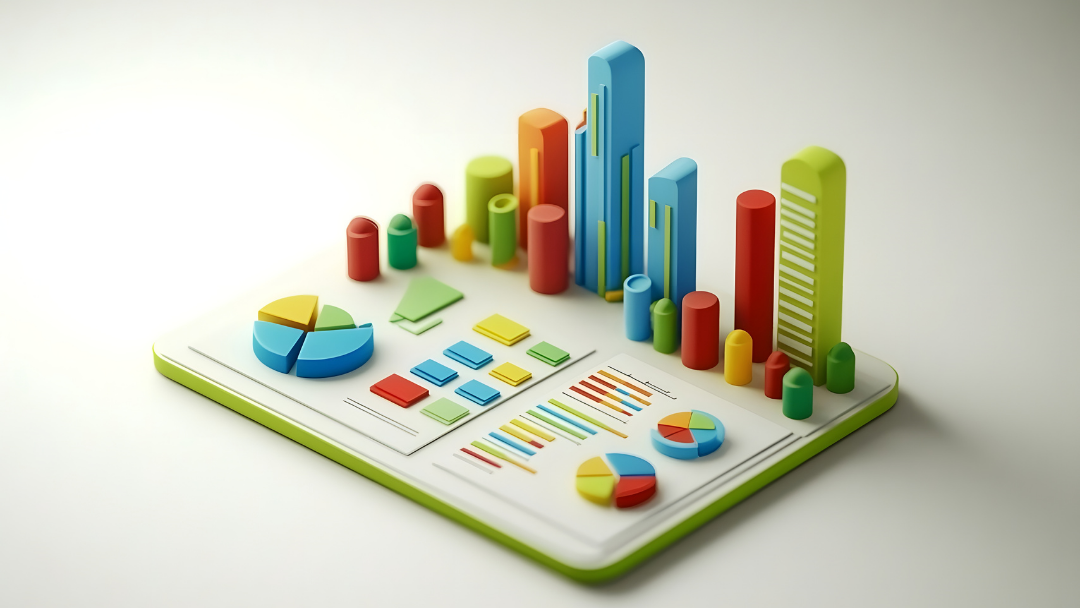
Smart farming in Australia
IoT soil sensors send moisture data from the field into the Microsoft stack. When moisture drops below a threshold:
- An alert is raised in Fabric and logged against the farm’s account in Dynamics CRM
- The system automatically creates a case for irrigation services
- Agronomists get a task with the field location, affected crop and recommended actions
Growers see your organisation as a partner in yield, not just an equipment or input provider.
Supply-chain visibility in North America
GPS-enabled pallets and telematics devices continuously stream location and status data. If a shipment is delayed or temperature control is at risk:
- Dynamics CRM alerts both logistics coordinators and the account owner
- Service teams receive templates for proactive emails or calls
- Any customer-facing commitments (SLAs, delivery windows) are updated in the CRM record
Customers appreciate proactive, honest communication—especially when something goes wrong.
Connected service contracts for industrial equipment
For high-value industrial assets, you can attach a connected-service contract:
- Runtime, cycle counts and error codes feed into Dynamics CRM
- Thresholds trigger renewal nudges, contract reviews or upsell suggestions
- Sales teams see which customers are close to contract limits and can plan conversations accordingly
IoT data helps you align commercial terms with real-world usage.
Conclusion: From Sensors to Strategy with Dynamics CRM
IoT isn’t just about machines; it’s about connected customer experiences. When device signals, real-time analytics and customer history all live inside Dynamics CRM, your teams can:
- Anticipate issues before customers call
- Personalise outreach based on real usage
- Protect revenue with faster, data-driven decisions
The organisations that win with IoT are the ones that treat it as a customer and service capability, not just an IT experiment.
Partnering with Osmosys on IoT-Enabled Dynamics CRM
If you can see the potential but are unsure where to start, you don’t have to design it alone.
At Osmosys, we work with businesses to:
- Identify high-impact use-cases for IoT and Dynamics CRM
- Design the integration path across Azure IoT, Microsoft Fabric and Dynamics 365
- Build pilots that prove value quickly, then scale them with the right guardrails
Whether you are in manufacturing, utilities, logistics, retail or another asset-heavy industry, we can help you turn real-time data into practical CRM journeys, playbooks and dashboards your teams will actually use.
If you’re ready to turn your sensors into strategy, talk to Osmosys about an IoT-enabled Dynamics CRM blueprint tailored to your industry, regions and existing Microsoft investments.
FAQs about IoT-Enabled Dynamics CRM
1. What is an IoT-enabled Dynamics CRM?
An IoT-enabled Dynamics CRM connects data from sensors, devices and smart equipment to customer records, cases and journeys. Real-time signals from the field can automatically open cases, trigger tasks or update insights, so sales, service and operations teams act on the same live information.
2. How does IoT improve predictive maintenance in Dynamics CRM?
Device telemetry (temperature, vibration, error codes, run-time) is analysed by AI models. When patterns suggest a likely failure, Dynamics CRM can automatically create a service case, assign it to the right technician and notify the account owner—allowing you to fix the issue before the customer experiences downtime.
3. What’s the best way to start integrating IoT with Dynamics CRM?
Start small. Pick one business-critical asset or journey, identify the device events that matter and wire those into Dynamics CRM via Azure IoT Hub and Microsoft Fabric. Prove value with clear metrics—such as fewer emergency call-outs or faster response times—then expand to additional devices and customer segments.