
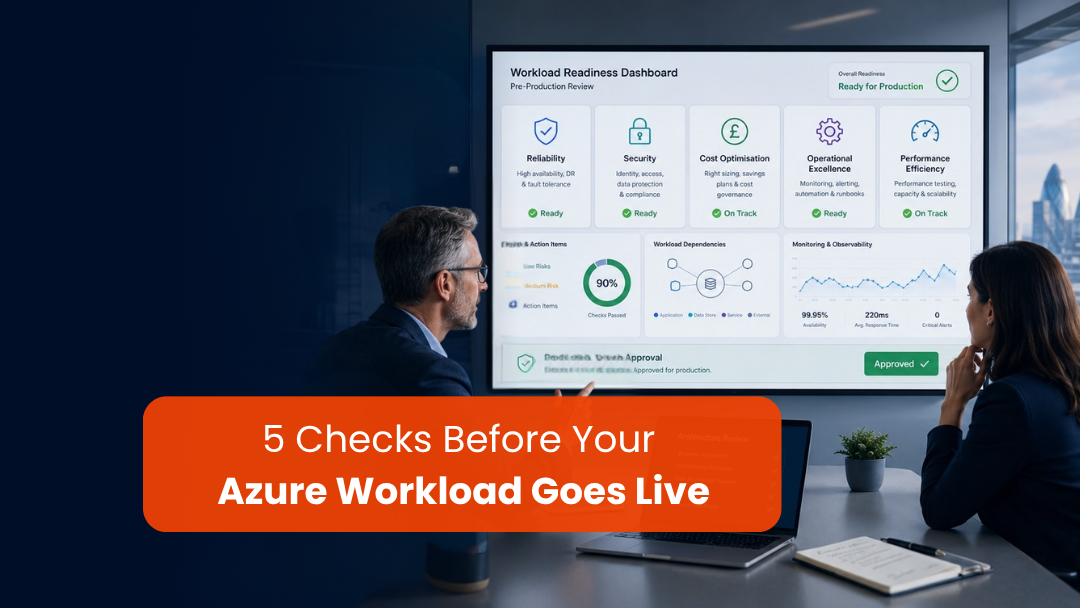

A cloud go-live should not feel like a leap of faith.
By the time a workload reaches production, the team may already have completed build, configuration, migration, testing, integrations, access setup, and stakeholder reviews. But one important question still remains:
Is the architecture ready for real business use?
That is where an Azure Well-Architected Review becomes valuable.
It gives teams a structured way to review a workload before production, using the core architecture pillars that matter after go-live: reliability, security, cost optimisation, operational excellence, and performance efficiency.
For UK organisations, this is especially relevant in 2026. Cloud workloads are supporting more business-critical processes, security expectations are higher, and leadership teams want stronger evidence that systems are not only live, but supportable, resilient, and controlled.
The best time to find architectural gaps is before users, customers, regulators, and operational teams depend on the system.
This cloud go-live checklist gives IT leaders, architects, delivery teams, and business sponsors five practical questions to ask before launch.
Table of Contents
Why an Azure Well-Architected Review matters before go-live
Many go-live decisions are still based on whether the application works in testing.
That is useful, but it is not enough.
A workload can pass functional testing and still be weak in production.
It may work for one user journey but fail under regional traffic. It may be secure at the application level but exposed through weak identity controls. It may perform well in UAT but become expensive at scale. It may have monitoring dashboards but no clear support owner. It may have backup enabled but no tested recovery process.
This is why an azure architecture review should not be treated as paperwork.
It should answer the practical questions that determine whether the workload is genuinely ready to run.
A good review helps teams identify:
- reliability risks
- security gaps
- unclear ownership
- cost surprises
- monitoring blind spots
- deployment weaknesses
- performance constraints
- operational handover issues
The goal is not to delay go-live unnecessarily.
The goal is to avoid preventable issues in the first few weeks of production, when confidence is fragile and business pressure is high.
Question 1: Can the workload recover when something fails?
Reliability is one of the most important areas to review before go-live.
The question is not, “Will this system ever fail?”
The better question is:
When something fails, what happens next?
Every cloud workload has dependencies. These may include databases, APIs, identity services, storage, third-party integrations, queues, reporting layers, network paths, background jobs, and user-facing applications.
A reliable architecture should make those dependencies visible.
Before go-live, ask:
- Which user journeys are business-critical?
- Which system flows are essential for the workload to operate?
- What happens if an integration fails?
- Is there a retry or fallback mechanism?
- Are backups configured and tested?
- Has disaster recovery been validated?
- Are recovery time and recovery point expectations agreed?
- Is there a documented support path for failure scenarios?
This is where many projects discover a gap between technical availability and business continuity.
A system may have infrastructure resilience, but if the team cannot restore data, identify failed flows, notify users, or switch to a workaround, the business still experiences disruption.
For a UK organisation running customer portals, ERP extensions, Dynamics 365 integrations, internal business apps, or data platforms on Azure, reliability should be reviewed around real business processes.
A good go-live decision should be able to say:
We know what matters most, we know what can fail, and we know how we will respond.
Question 2: Is the security model production-ready?
Security should not be reviewed only at the end, but go-live is the final checkpoint where weak assumptions often become visible.
Before launch, ask:
Can the right people access the right resources, and can we prove it?
This should cover more than application login.
Review:
- identity and access management
- privileged access
- admin roles
- network exposure
- secrets and key management
- data encryption
- logging and audit trails
- external user access
- third-party integrations
- vulnerability findings
- security monitoring
- incident response ownership
A common problem in cloud projects is that access becomes too broad during delivery and is not tightened before production.
Temporary admin rights remain in place. Test users become production users. Secrets sit in the wrong location. Logs are enabled but not actively reviewed. Service accounts are created without ownership. External integrations are approved informally.
These issues may not stop go-live, but they increase risk.
This matters in the UK market because cloud security is now a board-level and operational concern. Teams need to show that cloud services are configured securely, not simply assume the platform handles everything.
Security readiness before go-live should answer:
- Who has privileged access?
- How is access approved and reviewed?
- Which data is sensitive?
- Are logs retained and monitored?
- Who investigates suspicious activity?
- What happens if credentials are compromised?
- Has the incident response path been tested?
Good security design is not only about controls. It is about accountability.
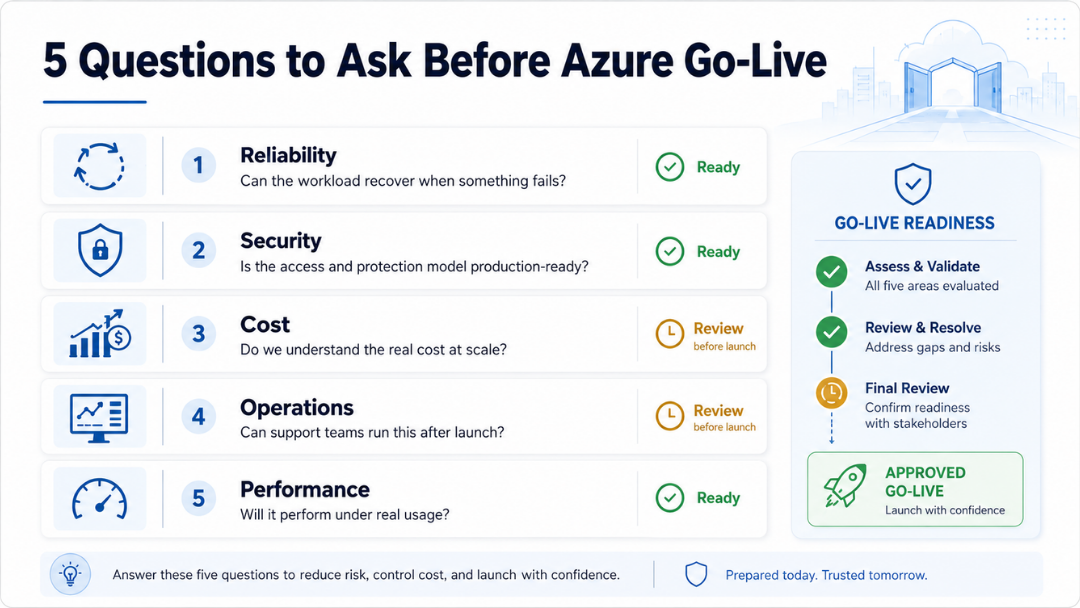
Question 3: Do we understand the real cost of running this workload?
Many cloud cost issues do not appear during build.
They appear after go-live, when usage becomes real.
That is why cost optimisation should be part of the Azure Well-Architected Review, not a finance exercise weeks later.
Before production, ask:
Do we understand what this workload will cost when real users, real data, and real operations begin?
Review:
- compute sizing
- database tiering
- storage growth
- backup retention
- logging volume
- network egress
- monitoring cost
- high-availability design cost
- non-production environment cost
- scaling assumptions
- reserved capacity or savings options
- ownership of cost reviews
Cost optimisation does not mean choosing the cheapest option.
It means making intentional trade-offs.
For example, a highly available design may cost more, but the cost may be justified for a revenue-critical workload. A lower-cost configuration may be acceptable for an internal reporting tool with a clear recovery window.
The problem is not spending more.
The problem is not knowing why.
A strong cloud go-live checklist should include a cost review that connects technical design to business priority.
Before go-live, the team should know:
- who owns the Azure budget
- how costs will be monitored
- what alerts are configured
- which resources are expected to scale
- which environments should be shut down or optimised
- how unused resources will be reviewed
- what cost increase would require escalation
This prevents the post-launch surprise where a technically successful workload becomes commercially uncomfortable.
Question 4: Can operations support the workload after launch?
A workload is not production-ready until the operations model is ready.
The most practical go-live question is:
Who will run this after the project team steps back?
Operational excellence is where many cloud projects reveal unfinished work.
Before go-live, review:
- monitoring dashboards
- alert rules
- runbooks
- support ownership
- escalation paths
- deployment process
- release rollback process
- incident communication
- change approval
- documentation
- service health review
- monthly improvement rhythm
The support team should not receive the workload as a surprise.
They need to understand the architecture, dependencies, known risks, recurring jobs, expected alerts, business-critical flows, and how to escalate issues.
This is especially important for organisations working across the UK, US, ANZ, India, and Europe, where support handovers may cross time zones.
If the workload supports customer service, finance, operations, field teams, reporting, or integrations, then a weak operational handover can quickly become a business problem.
Before go-live, ask:
- Who owns first-line, second-line, and third-line support?
- What alerts are actionable?
- What should be ignored, reviewed, or escalated?
- Where are runbooks stored?
- Who approves emergency changes?
- What is the rollback plan?
- How will incidents be communicated to business users?
- What does the first-month support rhythm look like?
A successful launch is not just a deployment.
It is a controlled transition into operations.
Question 5: Will the workload perform when real usage starts?
Performance efficiency is not just about speed.
It is about whether the workload can handle real demand without waste, delay, or instability.
Before go-live, ask:
Has performance been tested against realistic usage patterns?
Review:
- expected user volume
- regional access patterns
- API response times
- database query performance
- background job timing
- integration throughput
- report refresh times
- scaling behaviour
- caching strategy
- peak-hour load
- timeout handling
- user experience under pressure
Many systems perform well in controlled testing because the test conditions are too polite.
Real users behave differently.
They log in at the same time. They upload larger files. They run reports during peak hours. They retry failed actions. They trigger integrations in unpredictable sequences. They use the system from different regions, networks, and devices.
A strong review should test the workload against the way people will actually use it.
For UK organisations serving users across multiple regions, performance should also be reviewed by location and business role. A London-based operations user, a US sales user, and an ANZ support team may not experience the same workload in the same way.
Before go-live, the team should know:
- what good performance looks like
- which transactions are most important
- where bottlenecks may appear
- how scaling will work
- which alerts indicate performance degradation
- what performance data will be reviewed after launch
Good performance design protects adoption.
If the system feels slow or unreliable in the first week, users may lose confidence before the business sees full value.
A simple Azure go-live review checklist
Before production launch, use these five questions as a practical review:
- Reliability: Can the workload recover when something fails?
- Security: Is the security model production-ready?
- Cost: Do we understand the real cost of running this workload?
- Operations: Can the support model run this after launch?
- Performance: Will the workload perform under real usage?
If any answer is unclear, the next step is not necessarily to stop the project.
The next step is to make the risk visible, agree the owner, and decide whether it must be fixed before go-live or managed immediately after launch.
That distinction matters.
Not every issue is a blocker. But every material risk should have an owner.
What good looks like before go-live
A strong Azure go-live review should produce clear outputs.
These usually include:
- workload architecture diagram
- dependency map
- risk register
- security access review
- monitoring and alert plan
- backup and recovery evidence
- cost baseline
- release and rollback plan
- support ownership matrix
- post-go-live review schedule
These outputs give leadership confidence that the workload is not just technically complete, but operationally ready.
They also help avoid a common problem: project teams saying “done” while operations teams inherit unanswered questions.
Good architecture is not just what gets built.
It is what can be operated, secured, scaled, and improved over time.
Final thought
An Azure Well-Architected Review is not a box-ticking exercise.
It is a practical way to ask whether the workload is ready for real business conditions.
Before go-live, the most valuable conversations are often the uncomfortable ones:
- What could fail?
- Who owns recovery?
- What is over-permissioned?
- What will this cost at scale?
- Who gets the alert at 2 AM?
- What happens if performance drops?
- Which risks are we accepting knowingly?
Those questions protect the business from avoidable surprises.
For UK organisations modernising applications, migrating workloads, or preparing Azure-based business platforms for launch, the review should happen before production, not after the first incident.
Because a successful go-live is not only about switching the system on.
It is about making sure the system is reliable, secure, cost-aware, observable, and ready for change from day one.
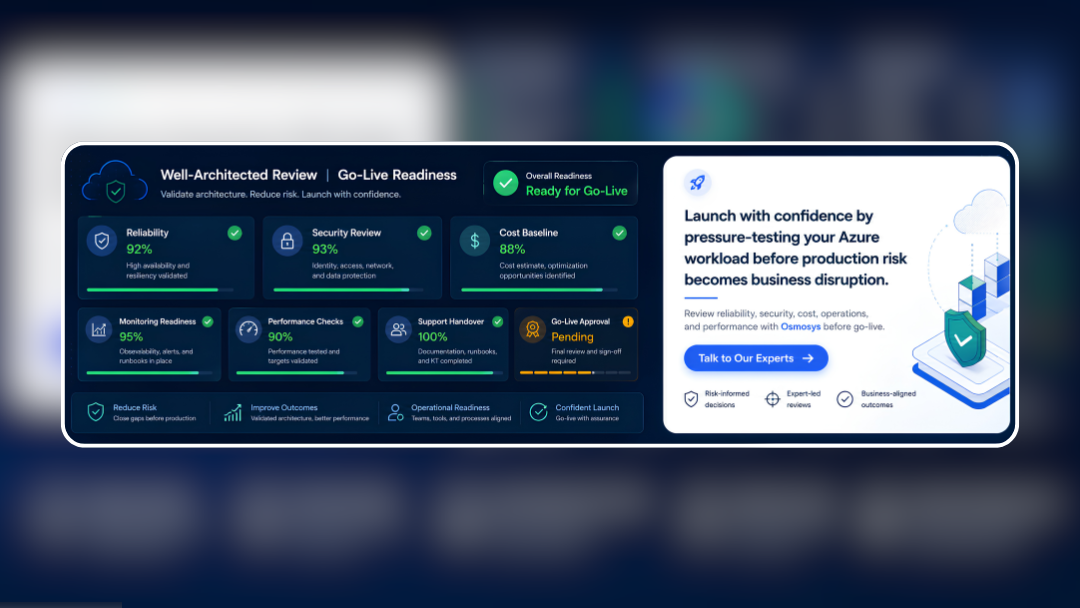
At Osmosys, we help organisations review Azure workloads before go-live, with practical architecture checks across reliability, security, cost, operations, and performance.
What is an Azure Well-Architected Review?
An Azure Well-Architected Review is a structured assessment that helps teams review a workload across key architecture areas such as reliability, security, cost optimisation, operational excellence, and performance efficiency.
When should an Azure Well-Architected Review be done?
It should ideally be done before go-live, during major architecture changes, after migration, and as part of recurring cloud governance. A pre-go-live review helps teams identify risks before users depend on the workload.
What are the five pillars of the Azure Well-Architected Framework?
The five pillars are reliability, security, cost optimisation, operational excellence, and performance efficiency.
Why is a cloud go-live checklist important?
A cloud go-live checklist helps teams confirm that the workload is not only functional, but also reliable, secure, monitored, cost-aware, and operationally supportable.
How is an Azure architecture review different from testing?
Testing checks whether the system behaves as expected. An Azure architecture review checks whether the workload is designed and operated well across resilience, security, cost, performance, and support readiness